Our Plans
Every plan includes 1,000 GB of secure cloud backup, with extra storage available whenever you need it. Pick the plan that fits your home or business, and upgrade, downgrade, or cancel at any time.
Protect your Home Setup
$10/mo
- 1,000 GB included
- Extra storage:
$10 per extra 1,000 GB - 10 Devices
- 3 Sub-Accounts
- 10 GB Max file size
- No Concierge Onboarding
- Email + Scheduled Chat Support
Protect your Business Data
$20/mo
- 1,000 GB included
- Extra storage:
$20 per extra 1,000 GB - 25 Devices
- 10+ Sub-Accounts
- 25 to 50 GB Max file size
- Concierge Onboarding
- Phone Support Available
Protect your Enterprise
$30/mo
- 1,000 GB included
- Extra storage:
$30 per extra 1,000 GB - 100+ Devices
- 20+ Sub-Accounts
- 200 GB Max file size
- Concierge Onboarding
- Priority Support
Want more details on our plans?

Powered by ElephantDrive
Cloud Backup, Sync, and Sharing
ReadyNAS Vault is a complete cloud storage solution, offering secure cloud functionality tightly integrated with NETGEAR’s ReadyNAS devices
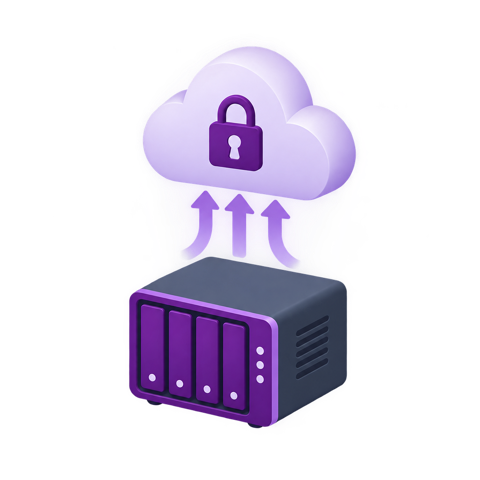
Direct backup from ReadyNAS
ReadyNAS Vault is natively integrated with NETGEAR ReadyNAS devices. No need for mapping the NAS to your computer!
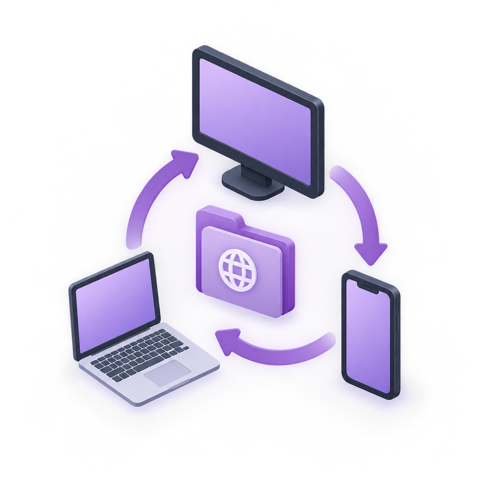
Sync with Everywhere
The Everywhere folder automatically syncs across devices. Start working at the office desktop, pickup where you left off from your laptop at home.
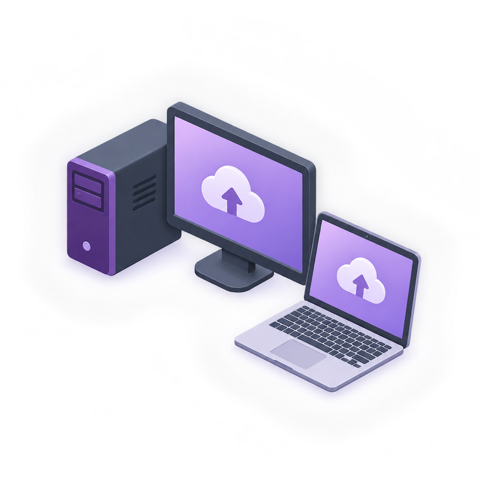
Windows & Mac Devices
ReadyNAS Vault backs up and syncs Windows (including servers) and Mac devices.
Safe and Secure
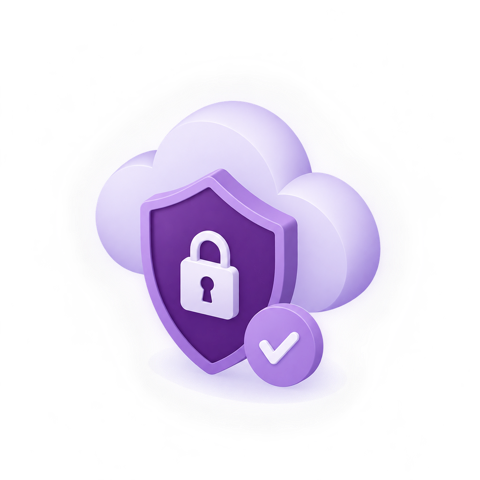
ReadyNAS Vault always encrypts data with AES 256-bit encryption before it even leaves your device! Transfer of the already encrypted data is also done using a 128-bit SSL secured channel.
Share a Folder
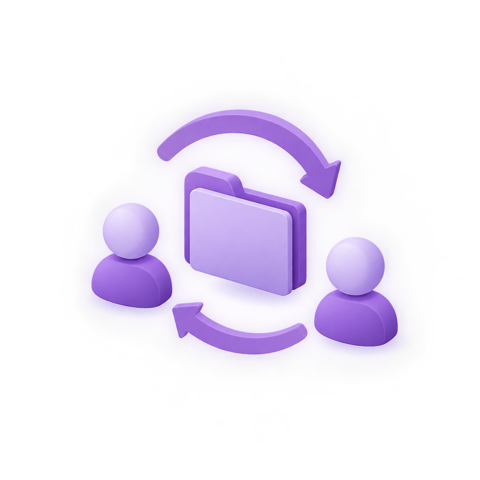
Share a folder with your colleagues – the changes that any of you make automatically sync to each others’ devices. No more carrying around thumb drives or emailing files around!
Publish Links
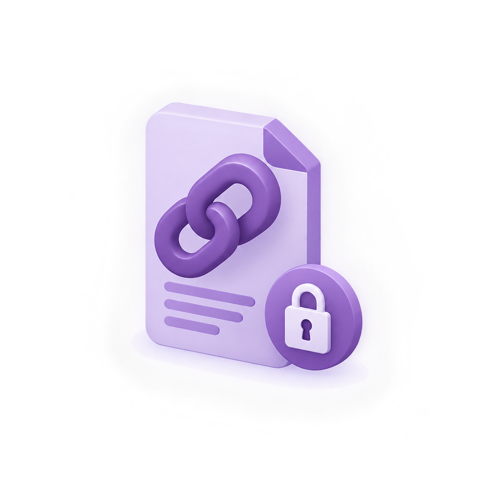
Tired of emailing files or sharing them via thumb drives? Share files with your friends and colleagues with simple url links. You can even password protect the links!
Recover Deletions
Ever deleted a file by mistake or to save space, only to realize that you need it? Use Archive control to keep copies of deleted files and folders.
Restore Old Versions
Wish you could go back in time and find an older version of a file? Now you can. All previous versions are easily identifiable with date and time.